"How do I tune my filament?" It's a question almost every 3D printer user has asked.
Most people dig through Reddit or Discord threads, spot a nice print from someone using the same filament, screenshot the settings, and hope for the best. Or they check the comment section on Printables for temperature values someone casually mentioned. Sometimes it works. But more often than not, those scattered bits of information don't add up to a complete preset — temperature, flow, retraction, cooling — every parameter is a trial-and-error exercise. Half a spool later, the print still doesn't look right.
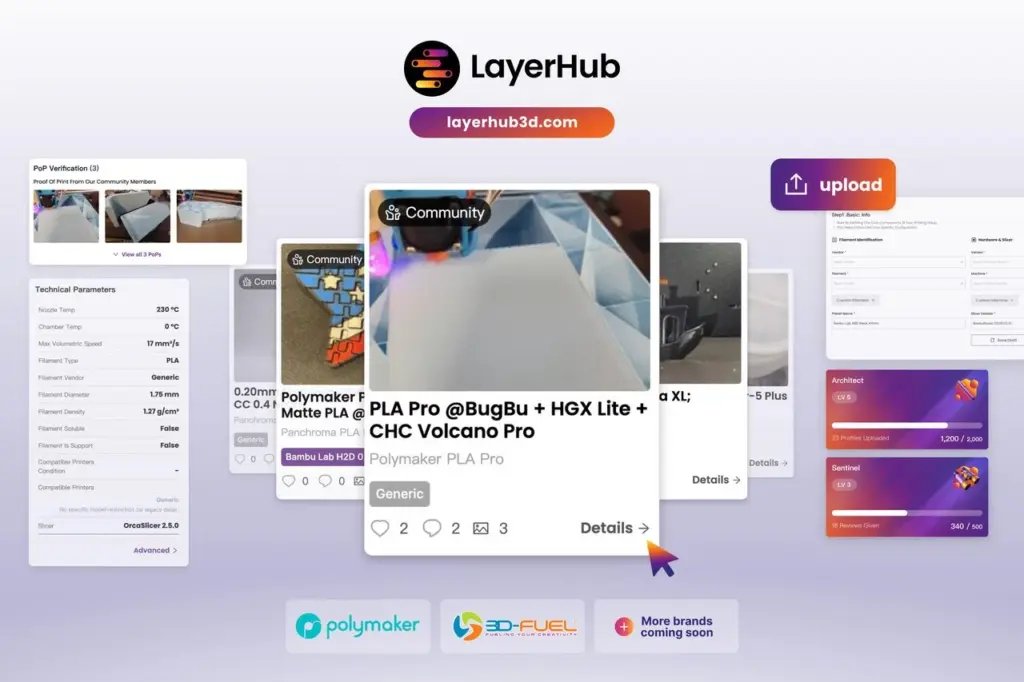
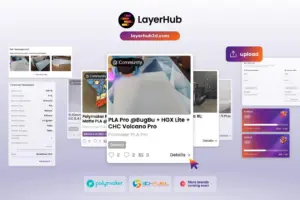
LayerHub — launching today at layerhub3d.com — was built to fix that. It's a community‑driven filament preset platform where every preset is backed by a real print photo. What you see isn't a screenshot or a "should work" guess — it's actual printed proof.
LayerHub belongs to the community. It's open to every brand, every printer and every filament.
The 3D printing community has always shared settings. But here's the problem: anyone can upload a.json or .ini file and call it a "preset." You have no idea if it actually works, which printer it was tuned for, or whether the person who uploaded it even tested it themselves.
LayerHub solves this with PoP (Proof of Print) — a verification mechanism that requires every preset to include a real photo of the printed result. Not a render, not a stock image — a real photograph of the actual print. You can see exactly what you're getting before you hit "print."
Whether you're using a Bambu Lab, Prusa, Creality, or a custom DIY rig, you can browse presets with confidence. The photo tells the story. The settings save you the tuning time.
If you've ever shared a preset on Orca Cloud or just sent a .json file to a friend, you know how it goes: they download it, import it into their slicer, and cross their fingers. No structure, no context — just a blob of parameters. And there's no way to verify if the parameters really work.
LayerHub is fundamentally different. On LayerHub, a preset isn't just a file — it's a structured, searchable, and verifiable listing that the entire community can benefit from.
Here's how the upload flow works:
Step 1: Basic Info — Tell us which filament, printer, and slicer this preset is for. This isn't just metadata — it's how other users find your preset when they're searching for their exact setup.
Step 2: Upload Preset File — Drag your .json or .ini file in. Behind the scenes, LayerHub's parsing engine automatically normalizes parameter differences across slicers — Orca, Bambu Studio, PrusaSlicer, and more. Parameter names, units, and data structures vary across platforms; LayerHub makes them consistent, so your preset displays correctly no matter where it came from. You don't need to manually map anything — the platform handles the translation.
Step 3: PoP Verification — Upload a photo of your actual print. This is the step that makes LayerHub different — and the step that makes it trustworthy. A single photo gives other users visual proof that the preset actually works.
Step 4: Name & Publish — The system auto-generates a name based on your filament, machine, and nozzle (e.g. "Polymaker PETG @ BBL H2C"). Tweak it if you like, then publish it.
The platform handles the complex parameter parsing so you don't have to. You share your results — and the community gets something genuinely useful.
LayerHub isn't locked to any single ecosystem. It's open to every filament brand and every printer combination.
Right now, Polymaker and 3D-Fuel are the first brands on board, with more joining soon. The range of presets on the platform is growing every day.
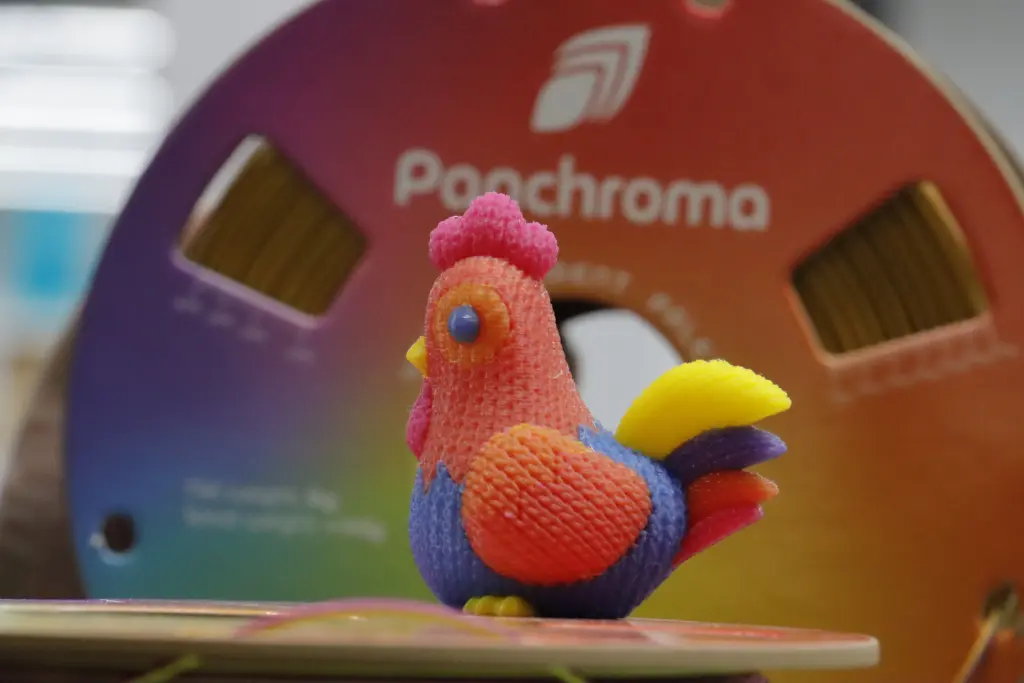
Using 3D‑Fuel Pro PCTG? There's a preset. Using Panchroma Celestial PLA? Someone in the community has already dialed it in. Got a niche printer‑slicer combo that nobody seems to support? LayerHub is where that profile can finally find its home.
This platform belongs to the entire 3D printing community — not just Polymaker users, not just Bambu or Prusa users either. Anyone can upload. Anyone can download.
LayerHub runs on community contributions. The more presets the community shares, the more valuable the platform becomes for everyone. That's why LayerHub built the Honor System — a recognition framework that rewards the people who make LayerHub better.
The Architect system measures your output — how many presets you've uploaded. Every verified preset increases your Architect level, directly reflecting your contribution to the community library.
The Sentinel system measures your community engagement — how much you've done to maintain quality. By reviewing other people's presets and providing meaningful feedback, you raise your Sentinel level and become a trusted guardian of the community.
Both roles are essential. Architects enrich the content, Sentinels ensure the quality. Whether you love creating or prefer curating, there's a place for you to shine on LayerHub.
Beyond that, the platform also awards various Badges to mark every meaningful milestone in your LayerHub journey. These aren't just badges — they're recognition from the community, for the community. (And yes, there are Easter‑egg badges waiting to be discovered!)
One preset you share might help someone halfway around the world nail their print on the first try. That's worth more than a like. That's worth recognition.
---
LayerHub is live now.
- Browse presets with real print photos
- Download profiles for your slicer
- Upload your own tested presets — drag in your JSON file, auto‑parse parameters, upload a print photo, and publish with one click
- Join a community that believes presets shouldn't be a gamble
Stop gambling on your prints. Every preset on LayerHub comes with a real print photo to prove it.
Head to layerhub3d.com and start printing with confidence.






















Please fill in the form below or if you have other questions are not included in the form, please contact us through [email protected]. We will get back to you soon.
Please fill in the form below or if you have other questions are not included in the form, please contact us through [email protected]. We will get back to you soon.