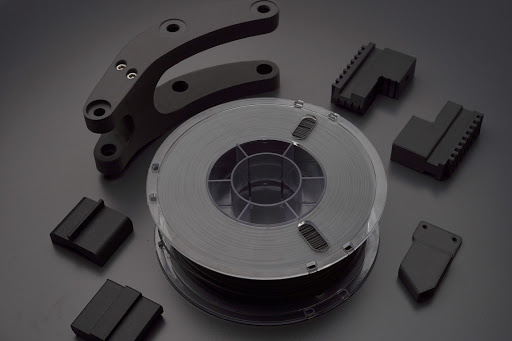
PETG filament is one of the best all-around materials for functional 3D printing: it is durable, chemically resistant, has higher heat resistance than PLA, and is generally easier to print than materials like ABS or nylon. If you are still choosing between filament types, a broad comparison of PLA, ABS, PETG, and other 3D printing materials can help match material properties to your application. PETG can absorb UV light and resist many harsh chemicals, making it suitable for outdoor applications, and it is one of several families in Polymaker's range of 3D printing filaments for hobbyist and industrial use. PETG is less prone to warping compared to ABS, but it is also prone to stringing if settings and material condition are not dialed in.
For 3D printing enthusiasts, professionals, and industrial users running PETG for reliable functional parts, a workhorse option like Polymaker™ PETG filament for functional printing offers a good balance of strength, ease of use, and heat resistance. But that tradeoff shows up fast in print quality. A few wispy hairs between parts of a print are not unusual, but thick webs, long strings, blobs, rough surfaces, or strings inside holes and openings can ruin a clean result. The fixes usually come down to five areas this guide will walk through: moisture absorption, retraction settings, nozzle temperature, travel speed, and wiping techniques.

This is the first place to look, especially if a spool that used to print well suddenly starts making strings. Moisture absorption by PETG can cause popping and inconsistent extrusion during printing.
PETG absorbs moisture from the air. It does not need to sit out for months to become a problem either. In humid environments, an open spool can start picking up enough moisture to affect print quality much sooner than most people expect.
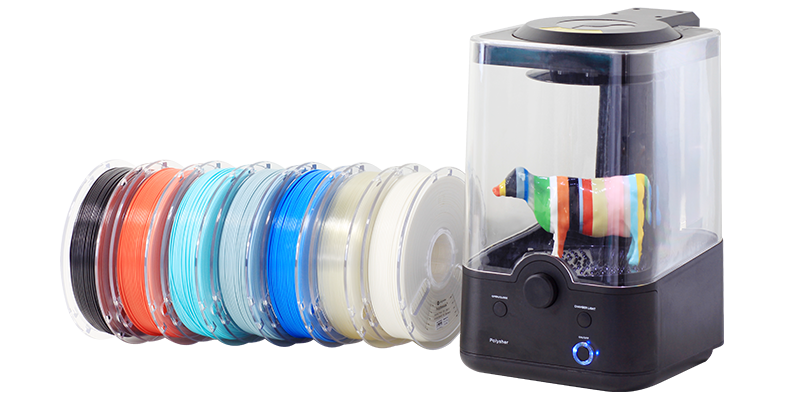
Wet PETG can cause stringing, rough surfaces, inconsistent extrusion, and small popping sounds at the nozzle. You may also notice tiny bubbles or pockmarks in the walls of a print. A dedicated drying and storage system like the PolyDryer™ filament drying ecosystem helps keep spools in optimal condition so these moisture-related artifacts are less likely to appear.
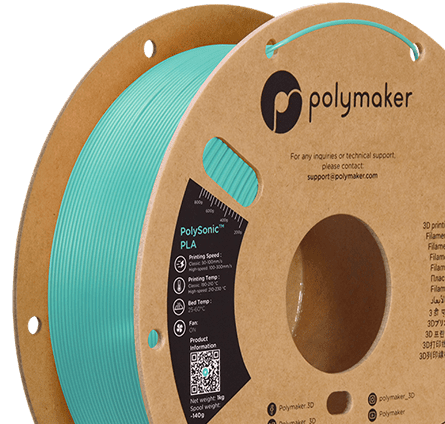
This is particularly true for Polymaker PETG new formula. It performs very well when it is kept dry, and a properly dried spool should have little to no stringing issues. If you are seeing excessive strings with Polymaker PETG, dry the filament before changing half your slicer profile.
A good starting point is drying PETG around 60°C for roughly six hours. After that, store it in a sealed dry box, vacuum bag with fresh desiccant, or a filament dryer. If you print PETG regularly, printing directly from a dry box can save a lot of troubleshooting.
Retraction is what happens when the printer pulls filament back before moving across an open area. The goal is to relieve pressure in the nozzle so molten plastic does not continue leaking out during travel moves, which becomes especially important with sensitive materials such as electrostatic dissipative PETG-ESD filament used around electronics.
If retraction distance is too low, PETG will keep oozing. If the retraction speed is too slow, the printer may not pull pressure out of the nozzle fast enough before it starts moving.
For most PETG setups, a reasonable starting point is 1 to 3 mm of retraction and 20 to 40 mm/s retraction speed. Direct-drive printers usually need less retraction distance, while Bowden systems often need more, although stiffer blends like Fiberon PETG-rCF08 recycled carbon fiber filament can behave slightly differently and may need their own tuning.
Do not jump straight to extreme settings. Too much retraction can cause under-extrusion, clogs, or inconsistent flow after travel moves. Make small adjustments and test them using a stringing test with several towers or posts.
PETG likes to be printed hot, but there is a point where extra heat starts creating more problems than it solves. Standard PETG commonly prints at temperatures around 230°C to 250°C and needs a heated bed, while reinforced grades such as Fiberon PET-GF15 glass fiber filament require significantly higher nozzle temperatures and more robust hardware.
When the nozzle temperature is too high, the plastic becomes very fluid. That makes it easier for material to ooze out during travel moves, even when retraction is enabled. The result is extra strings between walls, towers, openings, and separate parts of the model. But be careful not to overdo it, overheating PETG can lead to blobs on the print surface.
For Polymaker PETG new formula, start within the recommended temperature range and work downward if stringing is still an issue. A temperature tower is one of the quickest ways to find the sweet spot for your printer.
Lower the temperature in 5°C each step and compare the results. You are looking for the lowest temperature that still gives you smooth walls, reliable extrusion, and strong layer adhesion. Going too low can create weak prints, poor surface finish, and under-extrusion.
PETG does not require a heated enclosure and produces little to no toxic fumes. Limiting part cooling fan speed to 30%-50% can improve layer bonding in PETG prints.
Stringing happens when the nozzle moves without printing. The more time it spends traveling across empty space, the more opportunity PETG has to ooze from the nozzle.
This is why travel speed matters so much. Faster travel moves give the material less time to form a string before the nozzle reaches its next destination.
You do not need to increase your actual print speed to improve this. Keep your wall and infill speeds where they need to be, then raise travel speed separately. It is also worth checking travel acceleration, since a high travel-speed setting does not help much if the printer takes too long to reach it.
Slicer settings like avoiding perimeters, avoiding crossing walls, and optimized travel paths can also make a noticeable difference. The less the nozzle crosses open areas, the fewer opportunities it has to leave strings behind.
Even after a retraction move, there can still be some pressure left inside the nozzle. PETG is sticky, so that small amount of material can remain attached as the nozzle moves away from the previous layer.
That connection stretches into a string. If it does not cool enough before travel, the strand is more likely to stretch out.
Wipe settings help by moving the nozzle slightly along the printed path while it retracts. Instead of pulling straight away from the part, the nozzle wipes the excess material off before starting its travel move.
Depending on your slicer, this may be called wipe while retracting, wipe distance, coasting, or pressure advance tuning. The exact name varies, but the goal is the same: reduce the small blob or strand left behind at the end of an extrusion move.
Wipe settings usually work best after the filament is dry and the basic temperature and retraction settings are already close, especially once the first layer and core extrusion settings are already working properly.
It is tempting to start changing retraction, speed, temperature, and cooling settings all at once. That usually makes it harder to identify the real problem.
Start with the filament itself. Dry the spool first, especially with PETG that has been sitting out in the open. Then tune temperature, retraction, travel speed, and wipe settings one at a time. The best solution for a dry filament like PETG is our PolyDryer ecosystem. You can dry PETG on one of the filament dryer's presets, and then easily store it in the dryer box. Polydryer makes sure that your filament dryes quickly and stays dry without you ever needing to break the seal. Next time you print PETG, just pull the filament directly from te dryer box.
For Polymaker PETG new formula, dryness is the foundation. Keep it dry, and it should print cleanly without the excessive stringing that gives PETG a bad reputation.




















Please fill in the form below or if you have other questions are not included in the form, please contact us through [email protected]. We will get back to you soon.
Please fill in the form below or if you have other questions are not included in the form, please contact us through [email protected]. We will get back to you soon.