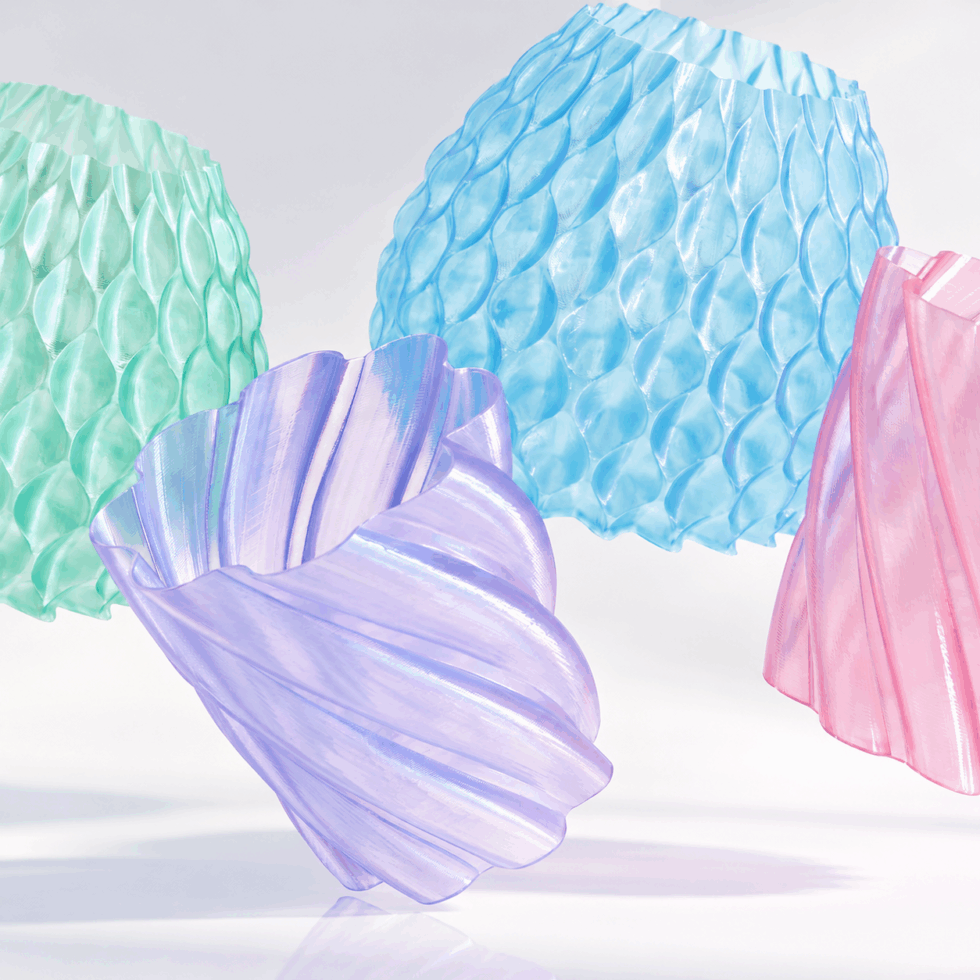


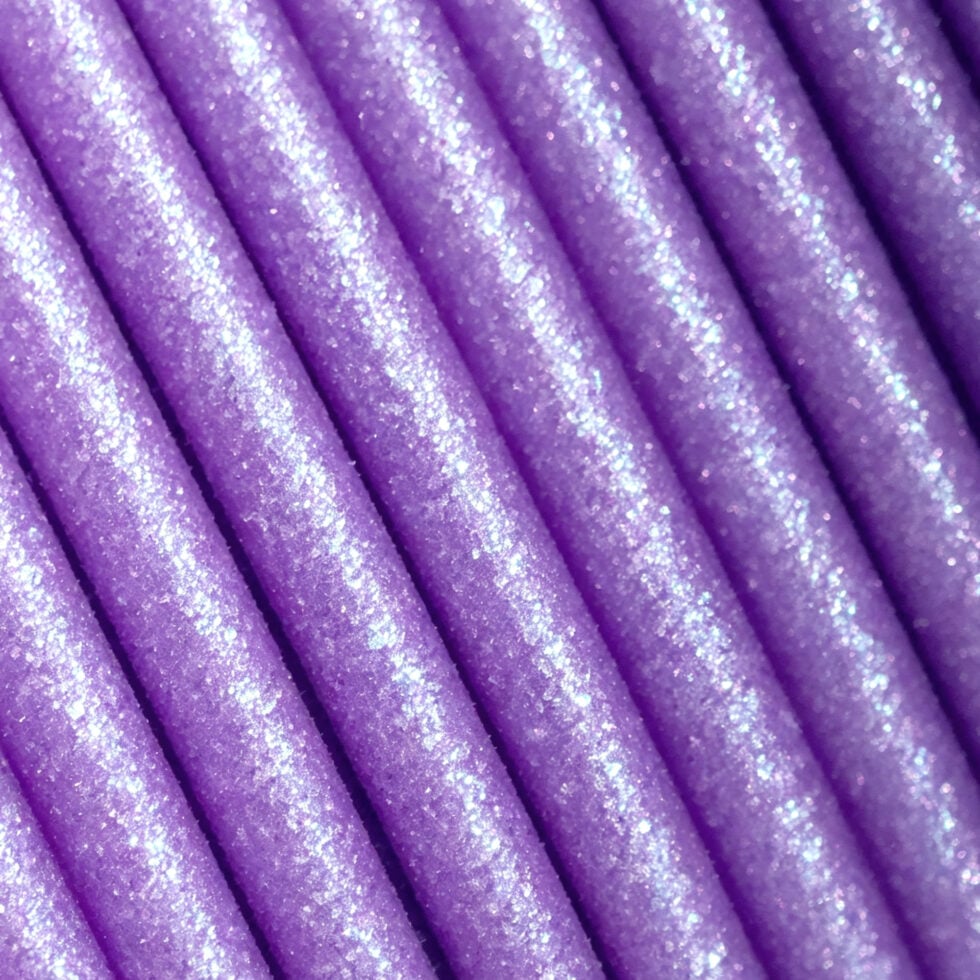
Celestial
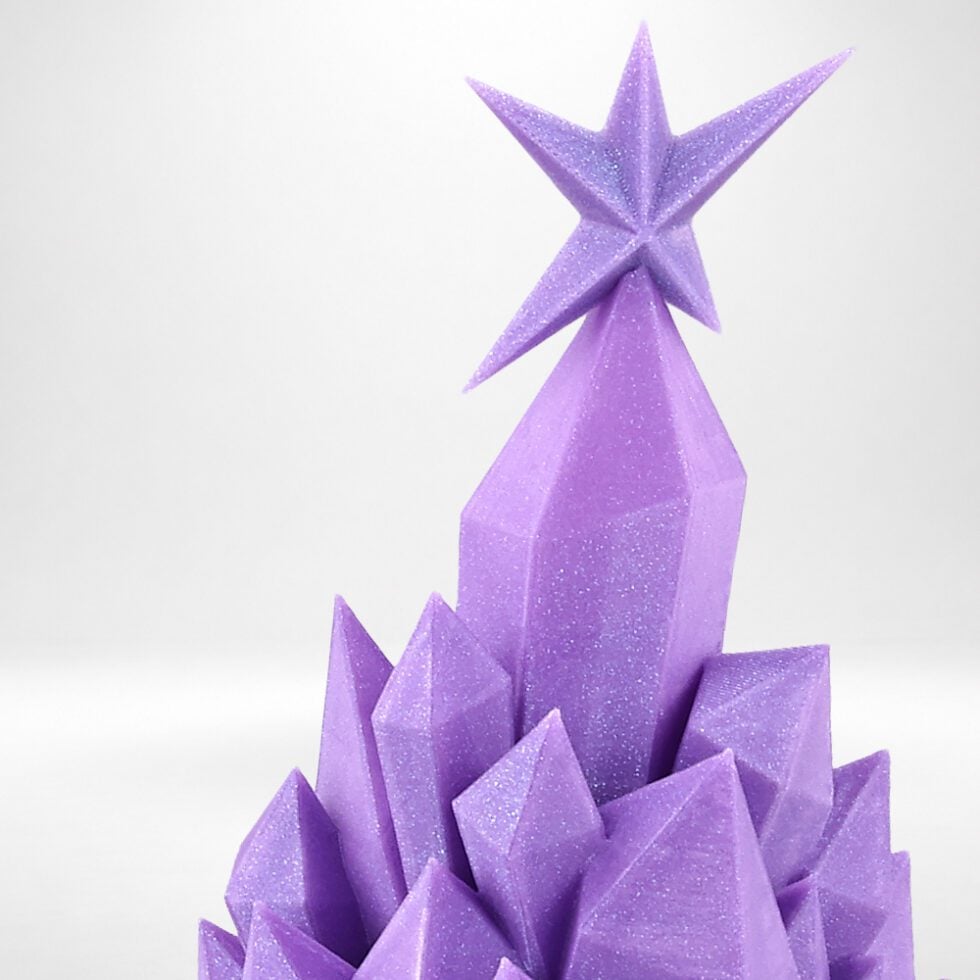
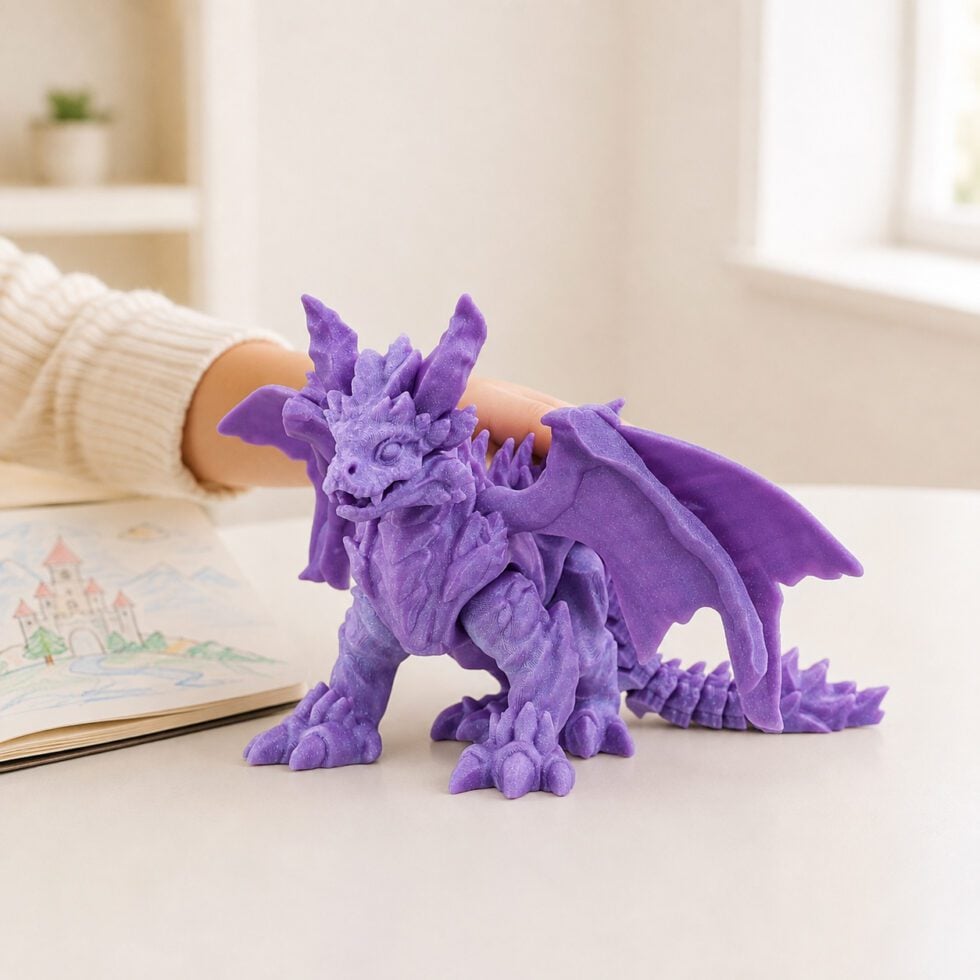
Subtle shimmer through the layers
Best for
Fantasy models, decorative pieces, display prints
- Nozzle
- 210–230 °C
- Bed
- 25–60 °C
- Speed
- 300 mm/s
- Cooling
- 100%
Tip Print at 0.16 mm layers — the shimmer shows up better on thin layers.


Subtle shimmer through the layers
Best for
Fantasy models, decorative pieces, display prints
Tip Print at 0.16 mm layers — the shimmer shows up better on thin layers.

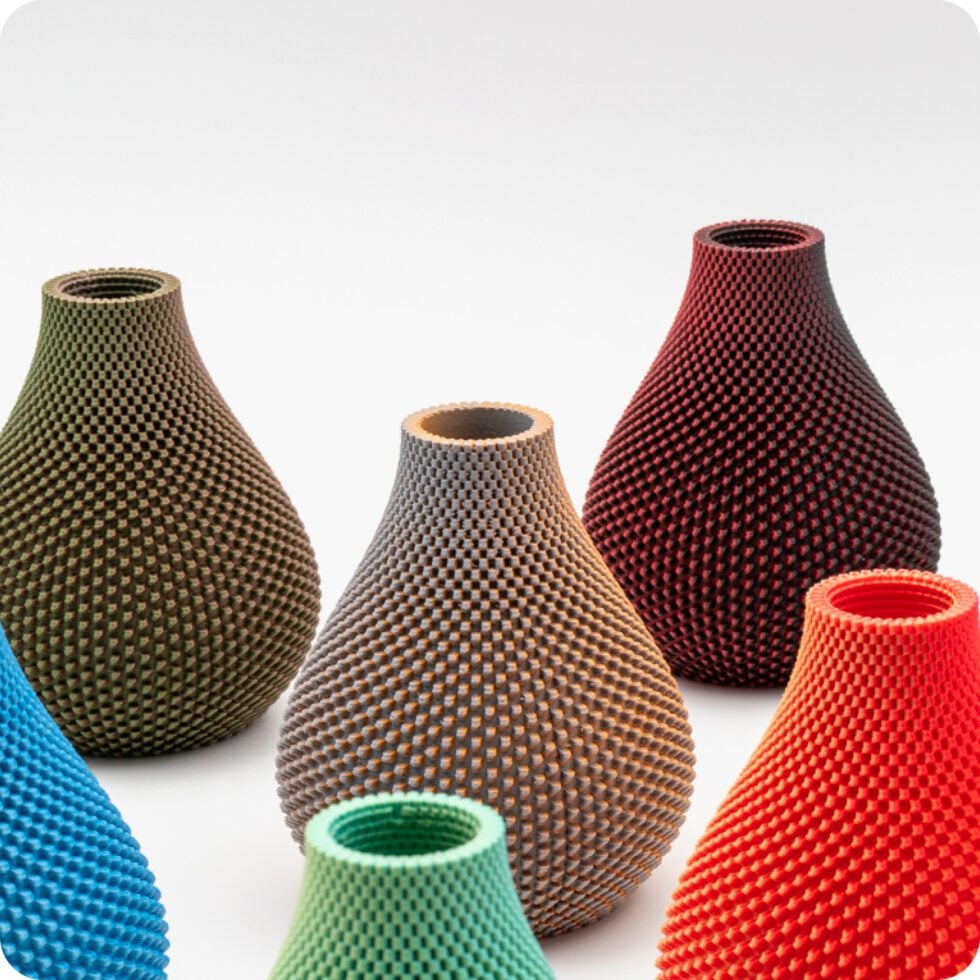
Colour shifts as the print goes up
Cycle Weight :200g
Best for
One large model at a time, vases, busts
Tip Print one big model per spool. Otherwise small parts all come out the same color.
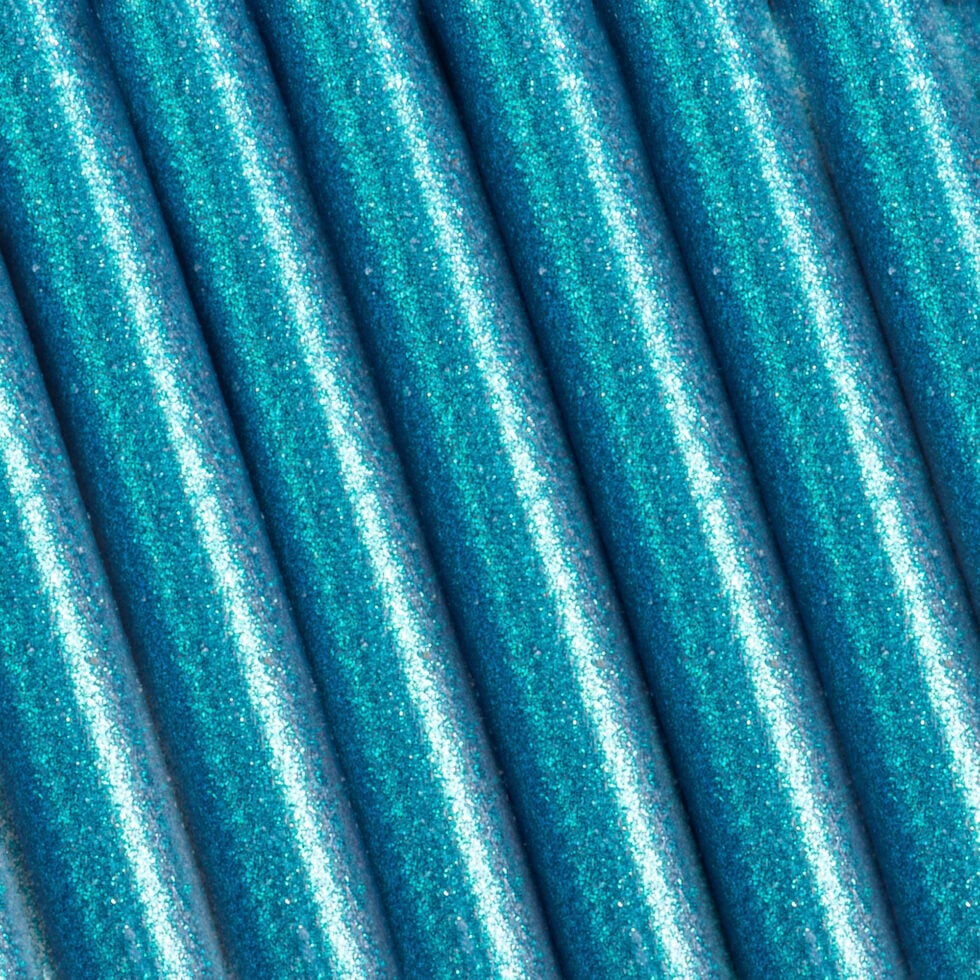
Sparkling particles, with depth
Best for
Statues, ornaments, anything that catches light
Tip The sparkle particles are abrasive. Fit a hardened nozzle before you print.

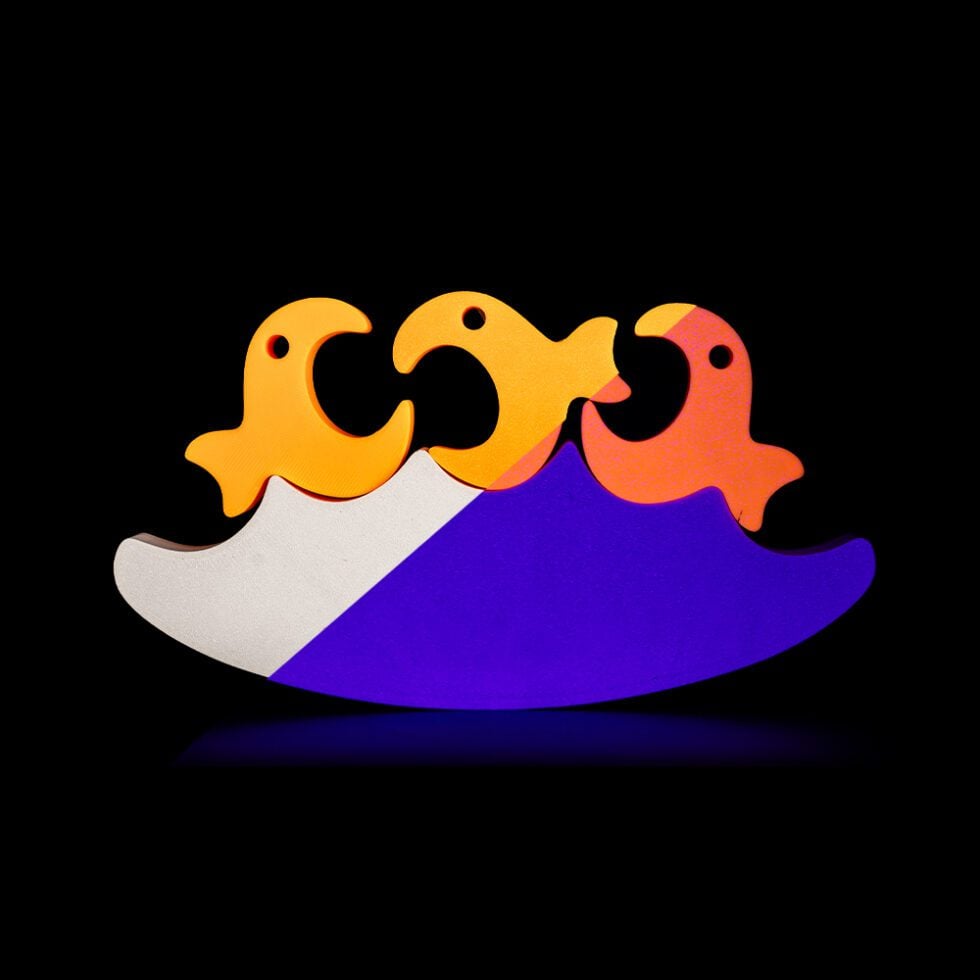
Three colors in one strand
Best for
Vases, spirals, single-wall prints
Tip Print something with structure so the three colors can stand out.
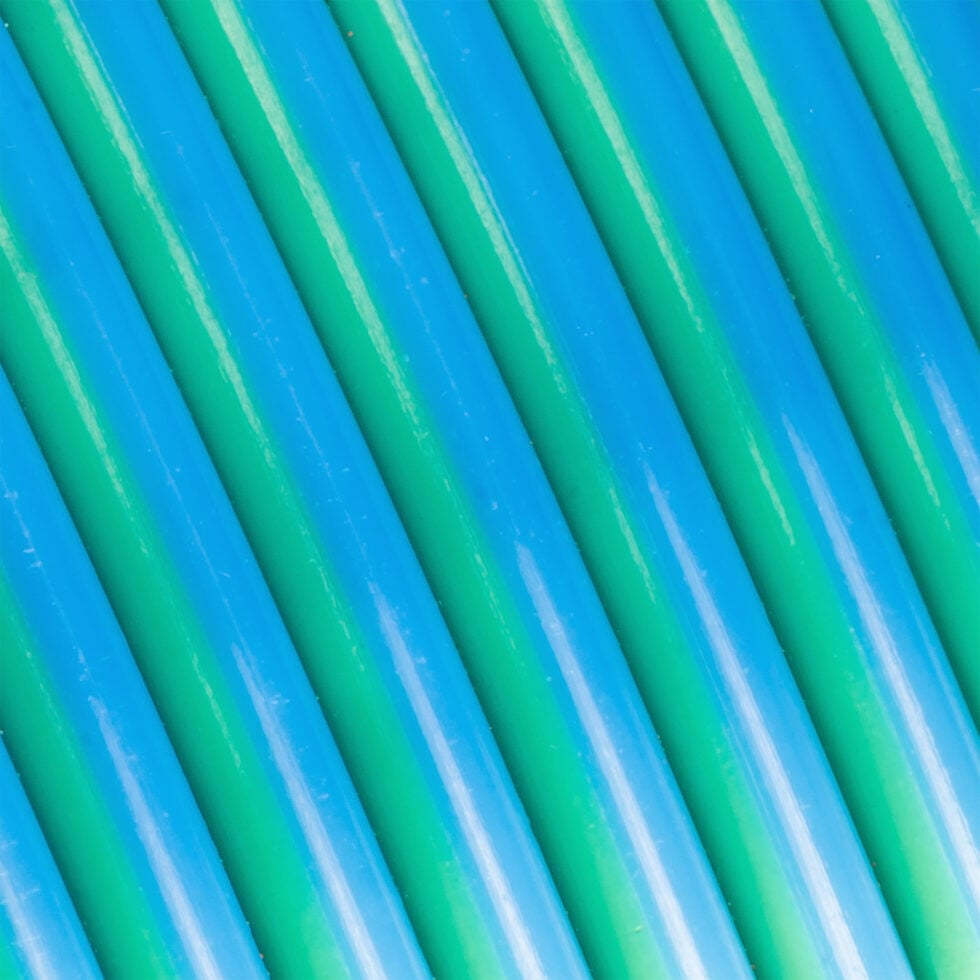
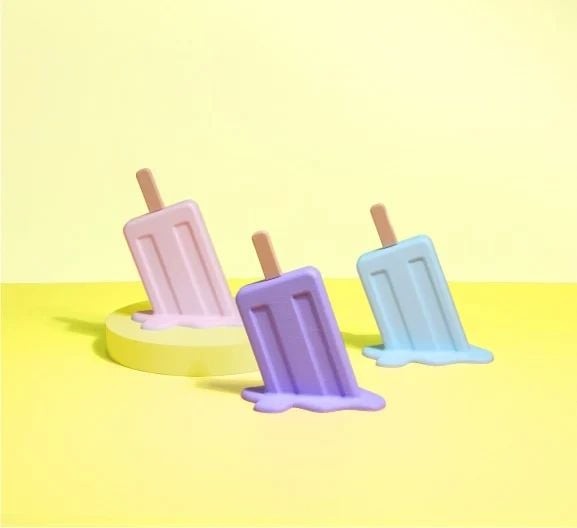
Two colours in one strand, silky finish
Best for
Vases, spirals, single-wall prints
Tip Slow the outer wall down. Silk looks glossier when the layers settle.
Every spool runs the standard PLA profile. Cooling stays at 100% on all of them.
| Material | Nozzle | Bed | Speed |
|---|---|---|---|
| Celestial | 210–230 °C | 25–60 °C | 300 mm/s |
| Gradient Matte | 210–230 °C | 25–60 °C | 300 mm/s |
| Starlight | 220–240 °C | 25–60 °C | 250 mm/s |
| Tricolor | 215–235 °C | 25–60 °C | 200 mm/s |
| Dual Silk | 215–235 °C | 25–60 °C | 200 mm/s |
Starlight is abrasive — fit a hardened nozzle before printing it.
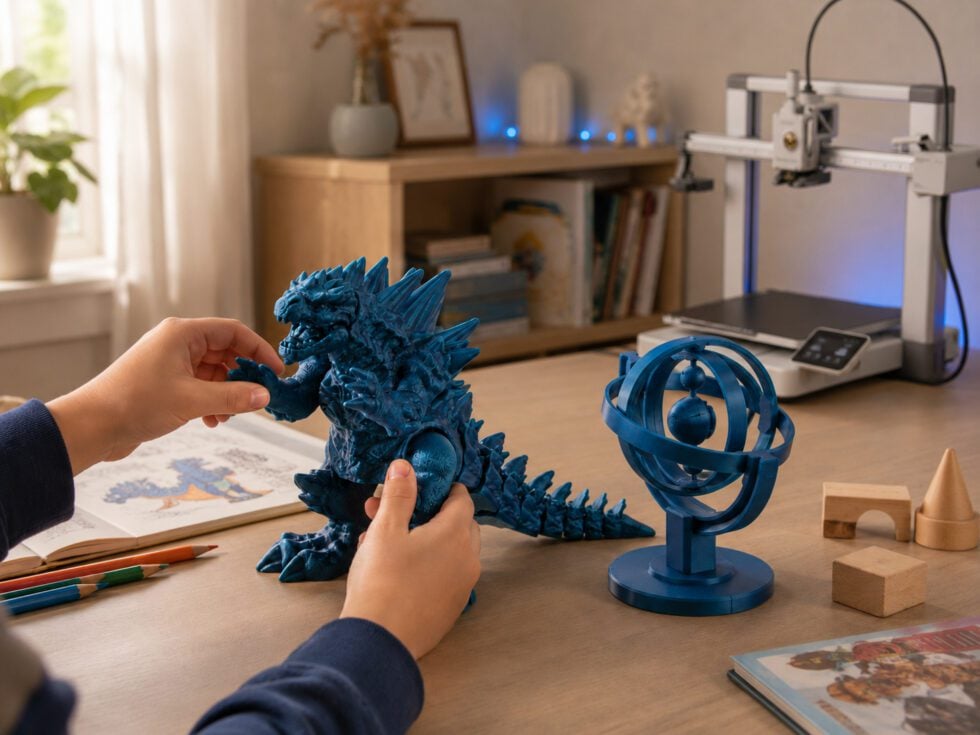
The A1 mini’s motor pushes the filament directly into the nozzle, so it only needs a small retraction. Retraction is the short pull-back of filament when the nozzle moves between parts. Set it to 1–3 mm at 20–40 mm/s in Bambu Studio. Keep travel moves fast, so the nozzle spends less time oozing in the air. The fastest route is the free Polymaker preset for your spool, from the Filament Preset Downloader. It is already tuned.
With the stock 0.4 mm nozzle, use layer heights between 0.1 and 0.3 mm. Use 0.2 mm for most prints. Go thinner for small, detailed pieces and thicker for speed. For Silk, speed matters more than layer height: stay at or under 150 mm/s to keep the shine. Printed faster, silk starts to look matte. Glitter and sparkle colours need a nozzle of at least 0.4 mm.
The colours run side by side along the strand. Which colour lands on each face of your print depends on which way the nozzle is moving. To change which colour faces front, rotate the model on the plate in Bambu Studio. To stop colours swapping halfway through a print:
PLA can print steep overhangs on its own, because the A1 mini’s cooling fan sets each layer quickly. Keep the fan at 100%. Bambu Studio measures overhang angles from the plate, so 90° means a straight wall that needs no support. For supports that come off easily:
If you have an AMS lite, you can print just that interface layer in PolySupport™ for PLA. It snaps away cleanly.
Every Polymaker spool is dried and vacuum-sealed before shipping. You don’t need to dry a new one. The A1 mini’s spool sits out in the open, so between prints put the spool back in a resealable bag with the desiccant pack, or use a PolyDryer. If the spool pops or hisses while printing, it has picked up moisture. Dry it at 55°C for 6 hours.
Check these in order:
If you hear clicking from the extruder and still get nothing, see “The nozzle is blocked”.
Fine hairs across the print usually mean the filament is wet. The water turns to steam in the nozzle and makes it ooze. Dry the spool at 55°C for 6 hours. If it still strings, lower the nozzle temperature by 5–10°C, staying within 190–230°C. Then check retraction is set to 1–3 mm.
PLA rarely warps, so the cause is usually the plate:
Do a cold pull. It drags out burnt bits stuck inside the nozzle.
If flow still doesn’t come back, swap the hotend. To prevent blocks, don’t leave filament sitting in a hot nozzle when you’re not printing. Also, Panchroma™ Matte is slightly abrasive and the A1 mini’s stock nozzle isn’t hardened. If you print a lot of matte, a hardened nozzle will last longer.

Please fill in the form below or if you have other questions are not included in the form, please contact us through [email protected]. We will get back to you soon.
Please fill in the form below or if you have other questions are not included in the form, please contact us through [email protected]. We will get back to you soon.